Template for events, webinars & communities
A registration page for conferences, webinars, workshops and community meetups. Attendees see the speakers and rundown, choose a ticket, then register through a form that reaches the organisers’ WhatsApp.
- Conferences & seminars
- Webinars & workshops
- Community meetups
- Product launches & bazaars
Lynk.id: Pay with QRIS, e-wallet or bank transfer. The file is emailed to you.
Gumroad: Pay by card or PayPal, priced in US dollars. Download right away.
Etsy: Pay through Etsy by card or PayPal. Download from your Etsy account.
Just need a home page? The Lite edition, $3: one page, in English. Or get all nine Lite home pages in one bundle on Etsy.
Want it done for you? Setup on Netlify + editing, $39.
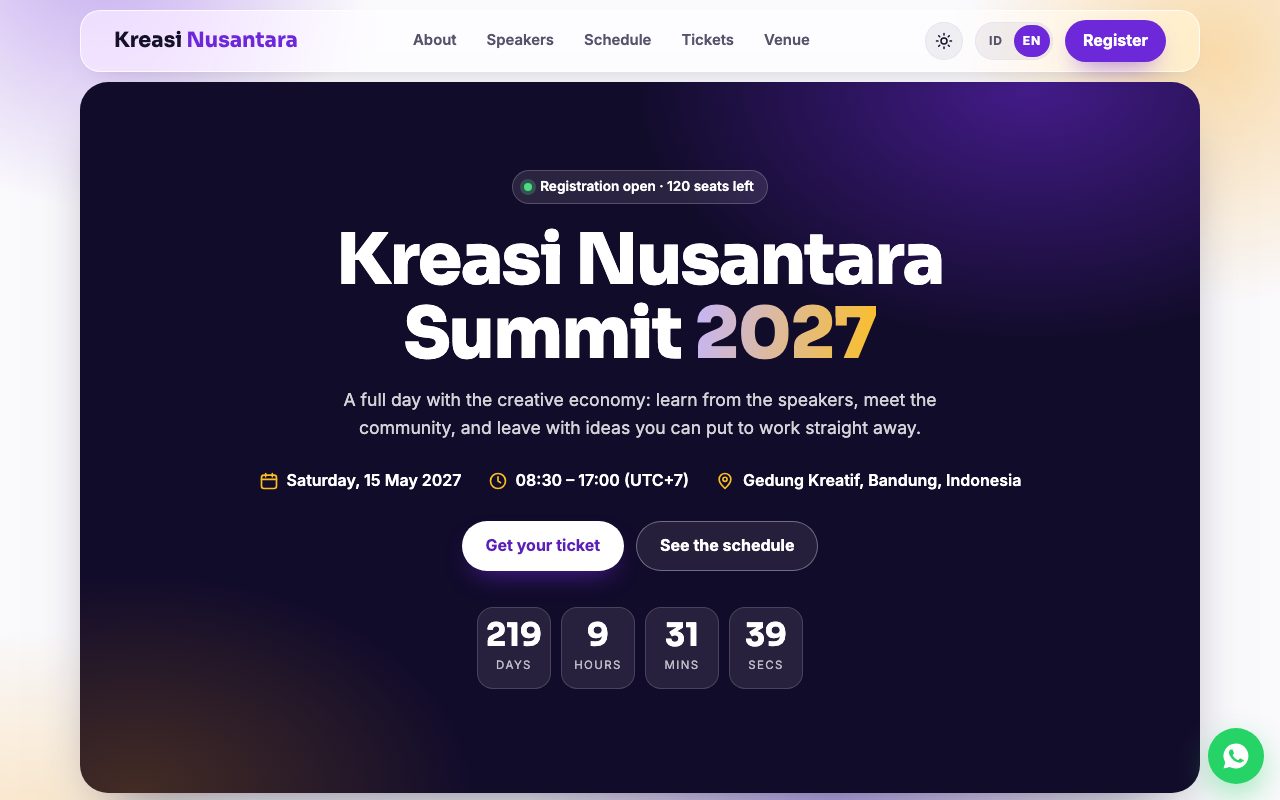
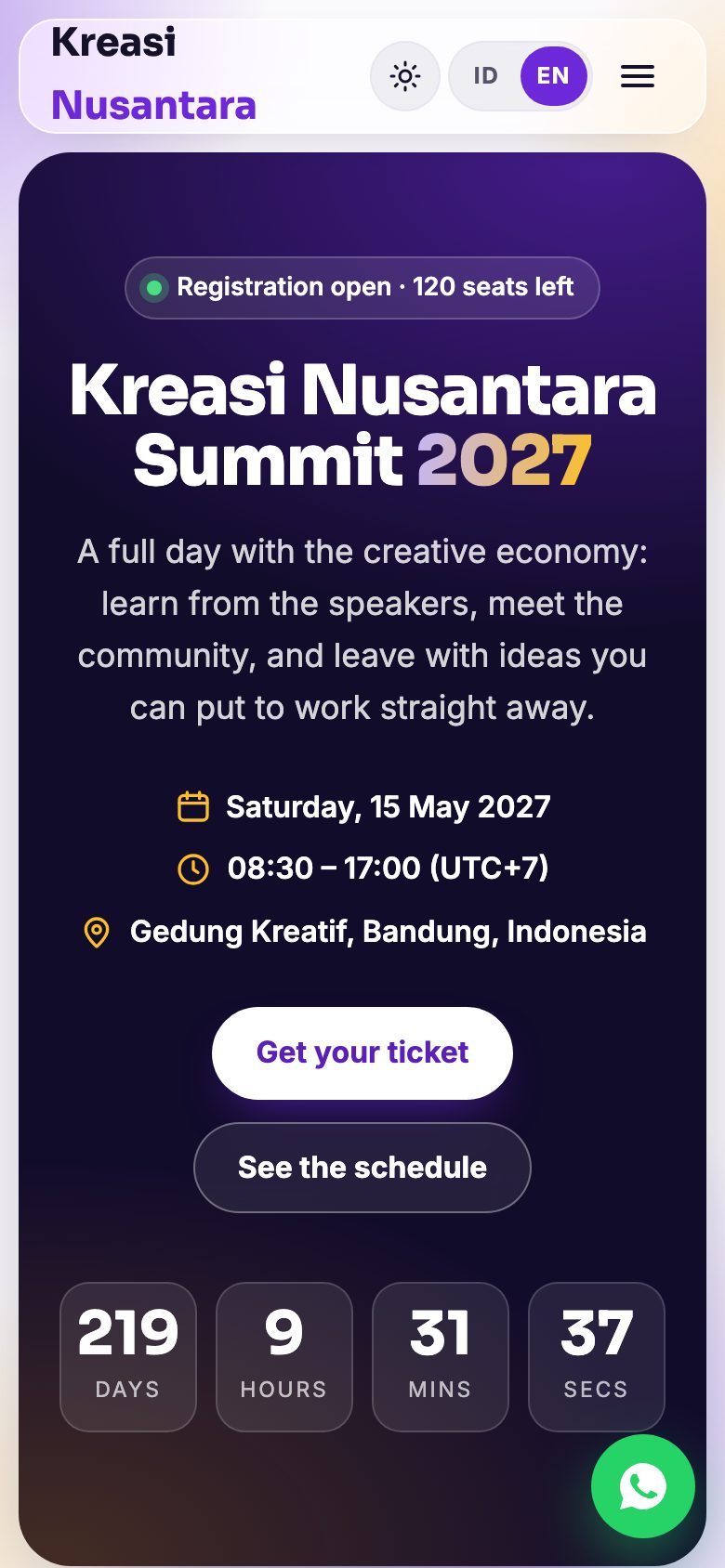
See it in 15 seconds
Section-by-section preview
These are all screenshots of the demo, which you can open and try yourself. Tap an image to enlarge it.
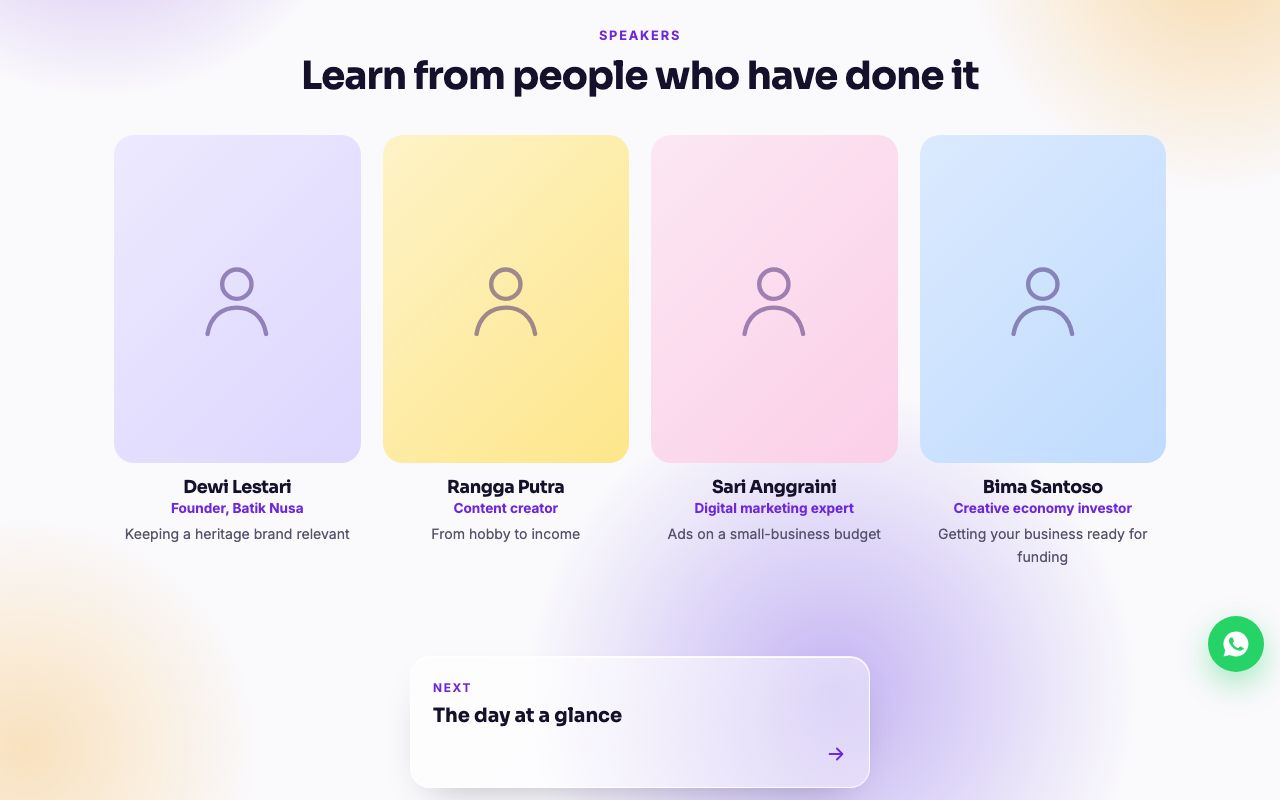
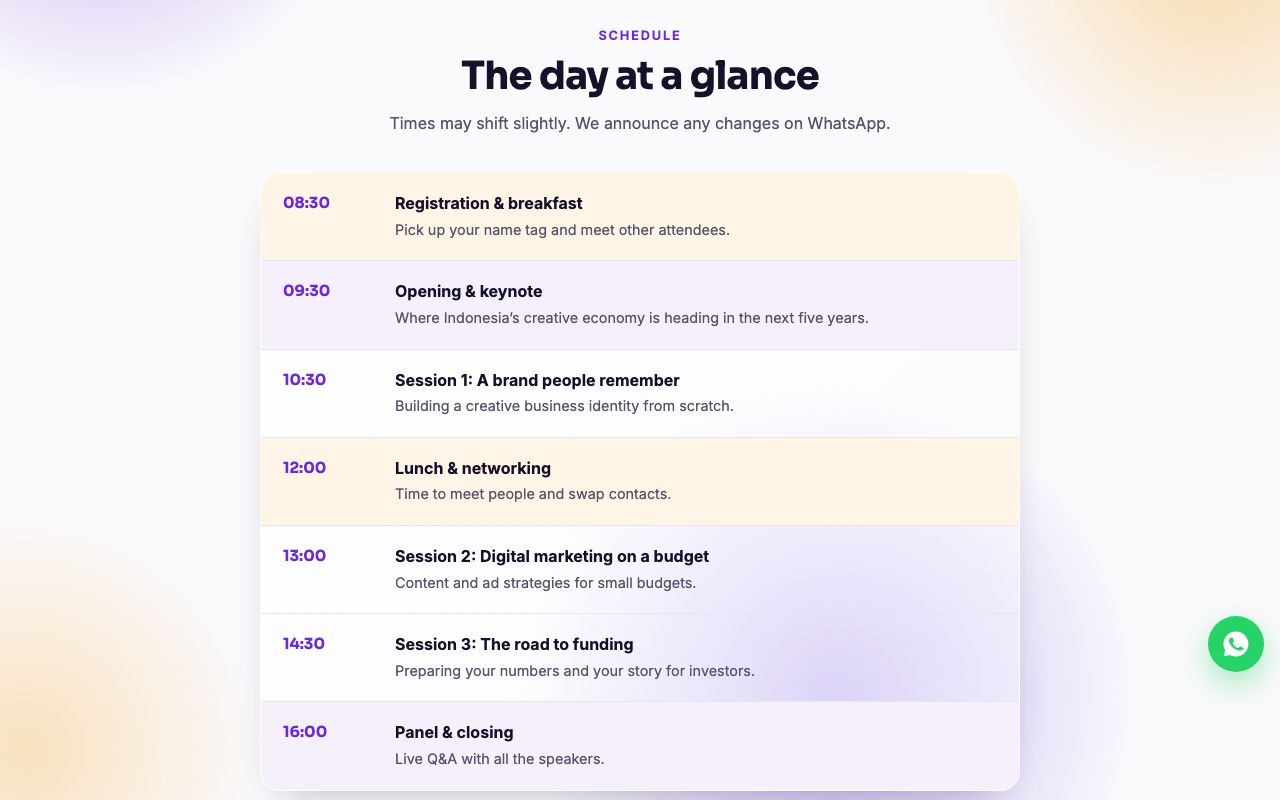
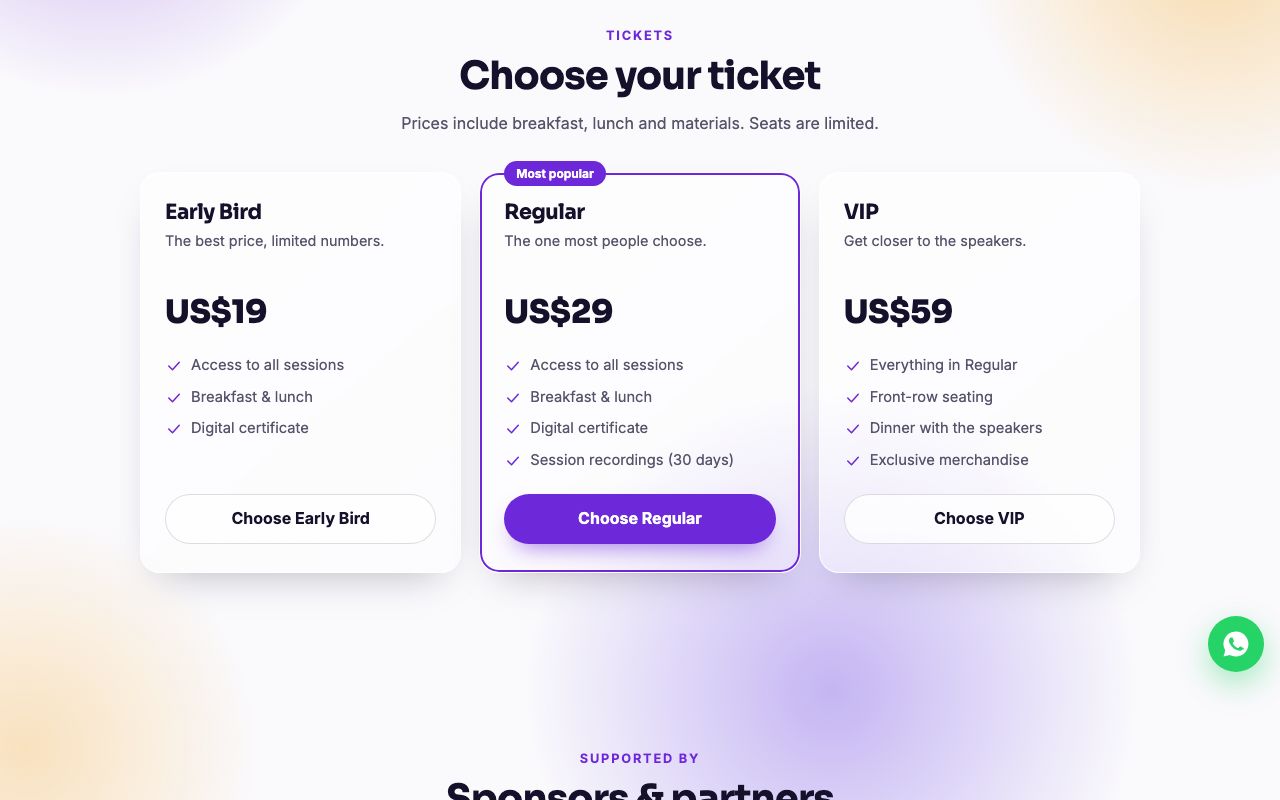
What makes it useful for event organisers
What’s on the page
How to use it
No coding needed. Beginners usually finish in 1–2 hours, most of it spent preparing photos.
- Download & unzipOpen the ZIP file from the email. Double-click
index.htmlto see it in your browser. - Replace the contentOpen
index.htmlin a free text editor. Replace the WhatsApp number, sample text and photos as the guide shows. - CustomiseFill in the event date, seats left and registration status in
PENGATURAN. Then change the colours with two lines. - UploadDrag the folder onto Netlify (free) or upload it through cPanel. Your website is live straight away.
The full guide, readable right now
The guide inside the pack is also online, so you can judge for yourself how easy the template is before you buy.
- What is in the package
- Indonesian words in the code
- Getting ready: an app to edit with
- Quick start
- WhatsApp number
- Replacing the text
- Replacing the photos
- Two languages
- Pages, look and dark theme
- Date, countdown & seats
- Speakers, schedule & sponsors
- Tickets
- Registration form
- Venue and calendar
- Changing the colours
- Publishing your website
- How the link looks when shared
- Checklist before publishing
- If something goes wrong
Specifications
| File format | HTML and CSS in a single index.html file. No app, plugin or database. |
|---|---|
| Language | Indonesian & English, with a language switch. Guide in both languages. |
| Layout | Responsive: tidy on phones, tablets and computers |
| Font | Sora & Inter (Google Fonts, free) |
| Colours | Changed with two lines in the file |
| What you need | A free text editor (Visual Studio Code, Notepad or TextEdit), photos of your own speakers and events, and hosting (free hosting works) |
| ZIP contents | index.html, foto/, PANDUAN.html, LISENSI.txt, GUIDE.html, LICENSE.txt |
What you get, and what you don’t
- The template file (HTML and CSS in one file)
- A step-by-step guide in English and Indonesian: text, photos, colours, WhatsApp number and how to upload
- A written licence
- Photos. The photo boxes in the demo are placeholders for your own.
- Hosting and a domain name
- Setup and editing: available as a separate service (see below)
Licence
- Use it for 1 business or event of your own, or 1 project for 1 client
- Change it freely: text, colours, layout and content
- Resell, share or upload it as a template, whether unchanged or modified
- Use one purchase for more than one business, event or client
FAQ
Can I use the template in English only?
Yes. Every template contains English and Indonesian text, with an ID/EN switch for visitors. Use both, or turn the switch off and use one language. The guide and licence come in English too.
Do I need to know how to code?
No. You only replace the text and photos in the file provided, following the guide. If you can edit a document, you can use this template. The full guide can be read before you buy.
What do I get after paying?
One ZIP file containing index.html (the website), a foto folder for your photos, GUIDE.html and LICENSE.txt (plus the Indonesian PANDUAN.html and LISENSI.txt).
Where do I upload it?
Any hosting that can serve an HTML file, including cheap shared hosting and free services such as Netlify or GitHub Pages. Instructions are in the file and in the online guide.
Is the demo the same as what I get?
Yes. The demo is the same file as the product, just without the "this is a demo" bar at the top and without a WhatsApp number. Photos are not included: the photo boxes in the demo are placeholders for yours.
Will UpVire install it or edit it for me?
Yes, with the setup service, sold separately ($39, the same for every template): we edit it to your brief and put it online on Netlify’s free plan. See "Want it done for you?" on each template’s page. The template price itself does not include installation.
Can I use it for a client?
Yes, for 1 business, event or client project per purchase. The template may not be resold or shared as a template.
What if the download link never reaches my inbox?
Check your spam and promotions folders first. Payment and delivery are handled by the platform you bought on (Lynk.id, Gumroad or Etsy), so your purchase is recorded there. On Etsy and Gumroad you can also download the file from your buyer account.
Have another question?
Email [email protected] and we'll get back to you.
Where to buy
The same file in every store. Pick the one that suits the way you pay.
Want it done for you? We’ll set it up
Buy the template, then let us edit it to your brief and put it online on Netlify (free plan). The service costs the same for every template.
- Upload to Netlify’s free plan, live at
yourbusiness.netlify.app - Edits to your brief: text, your photos, colours, WhatsApp number, prices, opening hours and social links
- 2 rounds of revisions
- A Netlify account in your name, so the website is fully yours
- Connecting your own domain, if you have one
- Done within 2–3 working days once we have your material
- The template itself: buy it separately on Lynk.id, Etsy or Gumroad
- Buying a domain or paid hosting
- New pages or sections beyond the template
- Photos, and writing copy from scratch
Ready to use today
See the demo and read the guide first. What you see in the demo is the file you get.
More templates
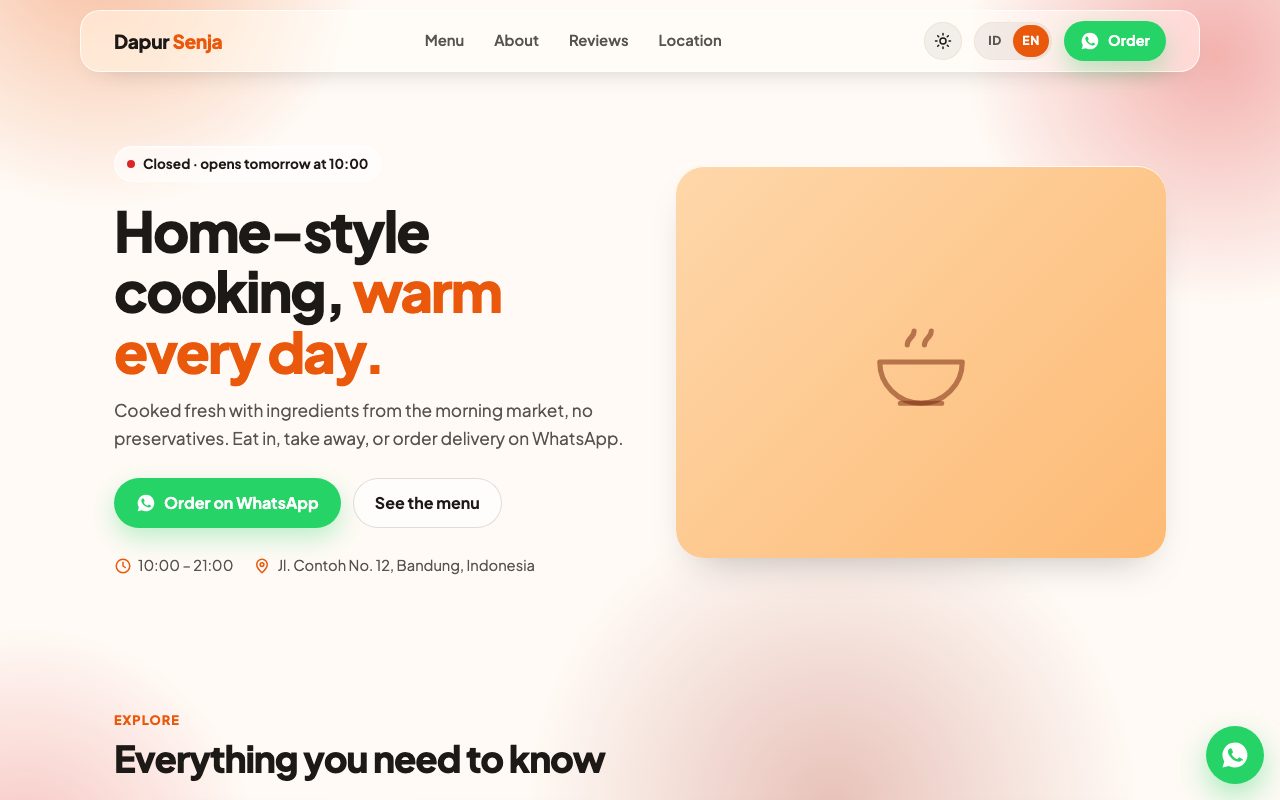 Restaurant & Café
Restaurants, cafés & food stalls
Restaurant & Café
Restaurants, cafés & food stalls
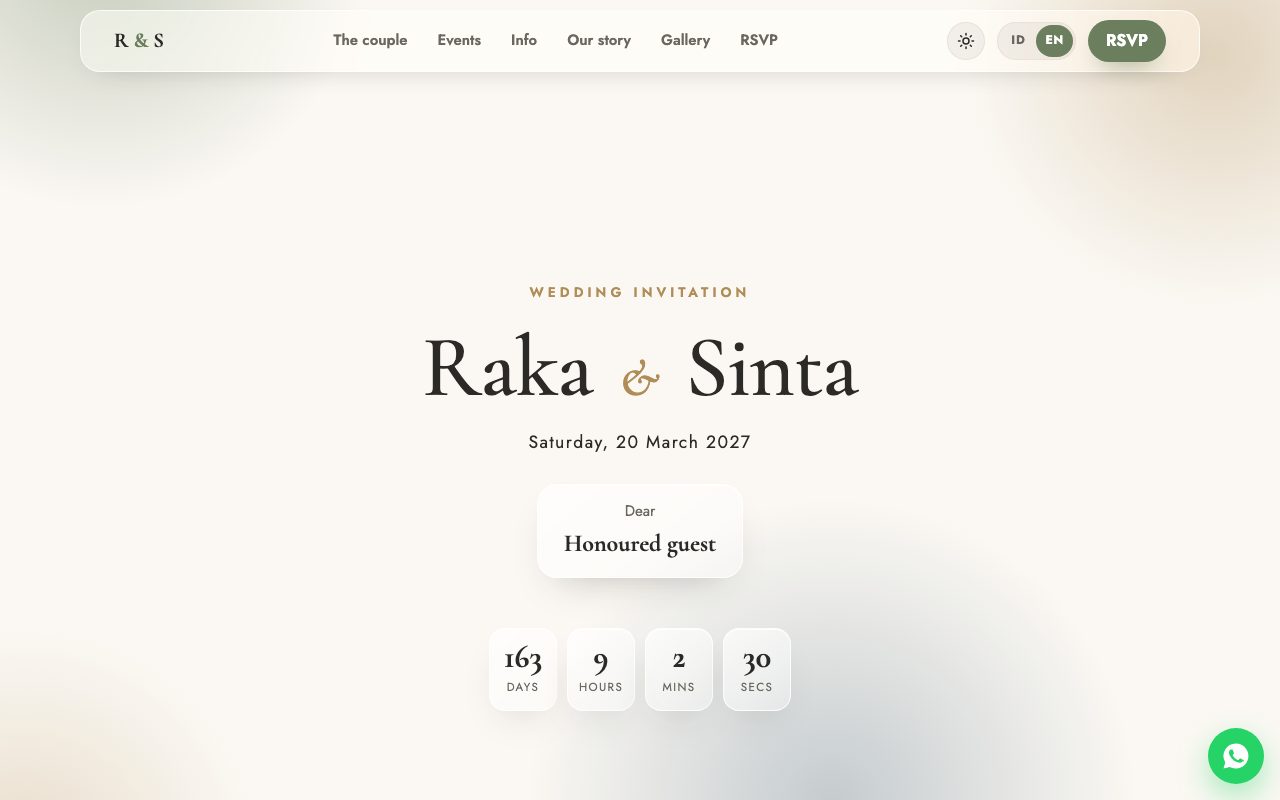 Wedding Invitation
Digital wedding invitation
Wedding Invitation
Digital wedding invitation
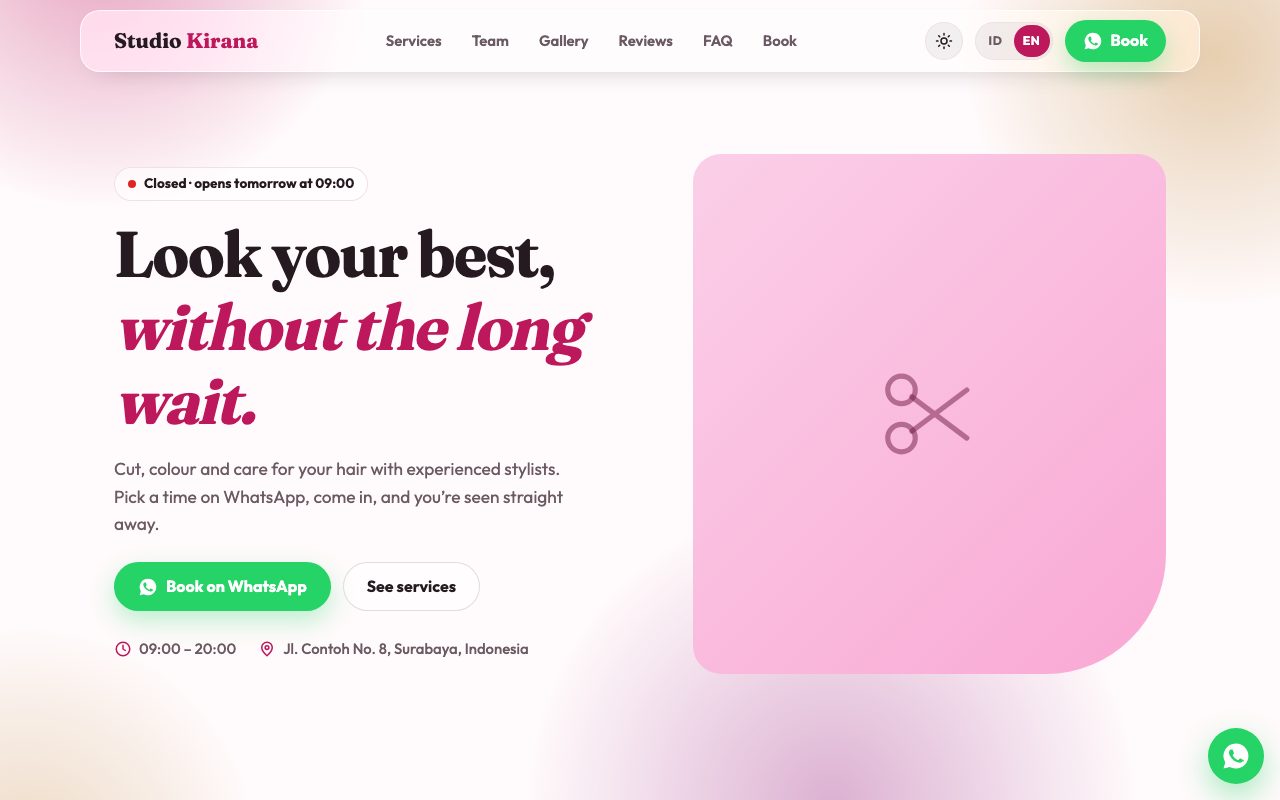 Salon & Barbershop
Salons, barbershops & spas
Salon & Barbershop
Salons, barbershops & spas
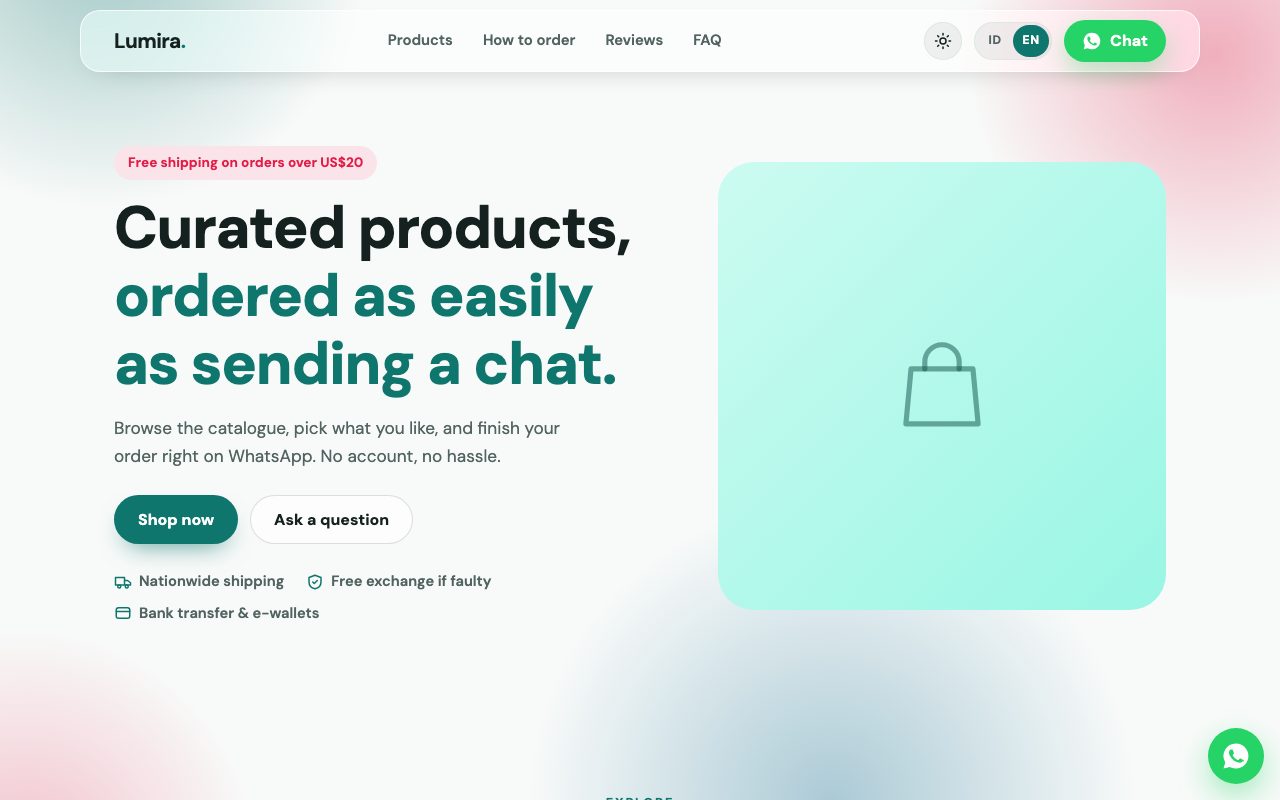 Online Shop
Online shop & product catalogue
Online Shop
Online shop & product catalogue
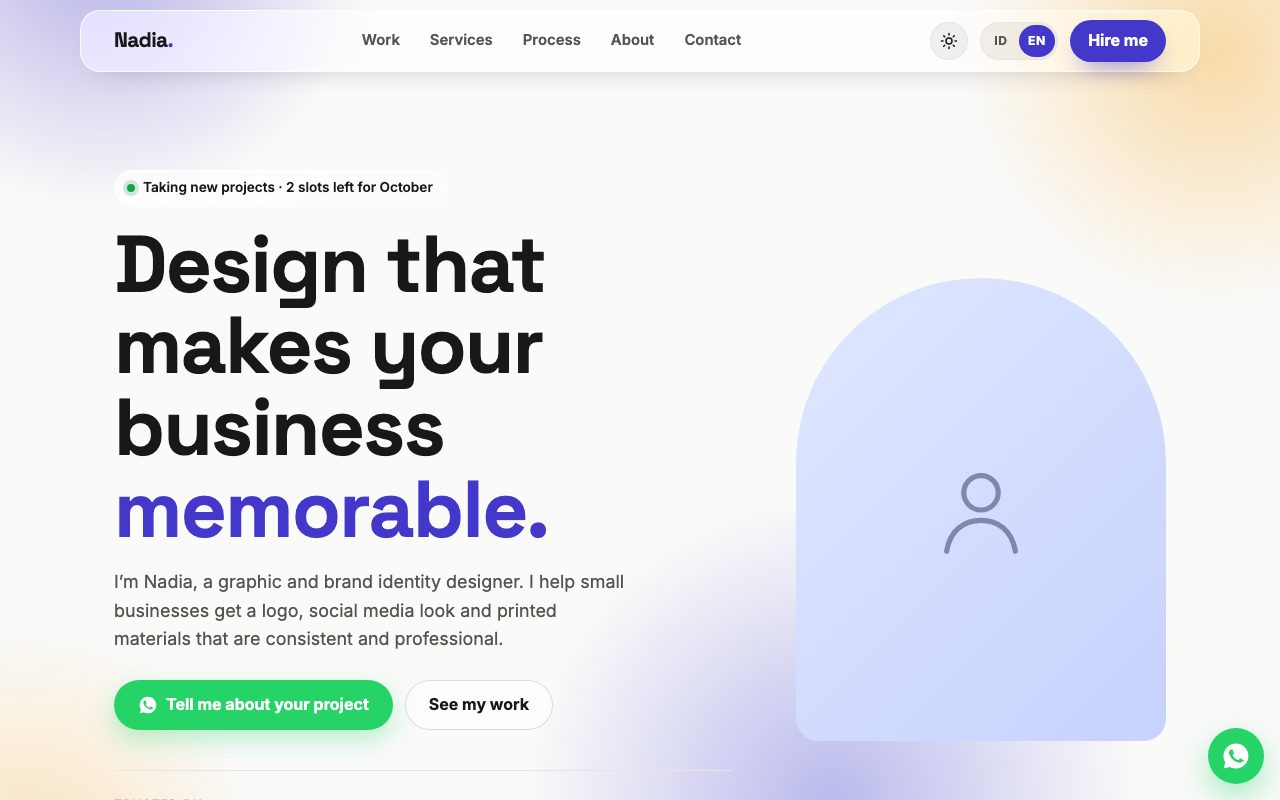 Portfolio
Freelancer portfolio & services
Portfolio
Freelancer portfolio & services
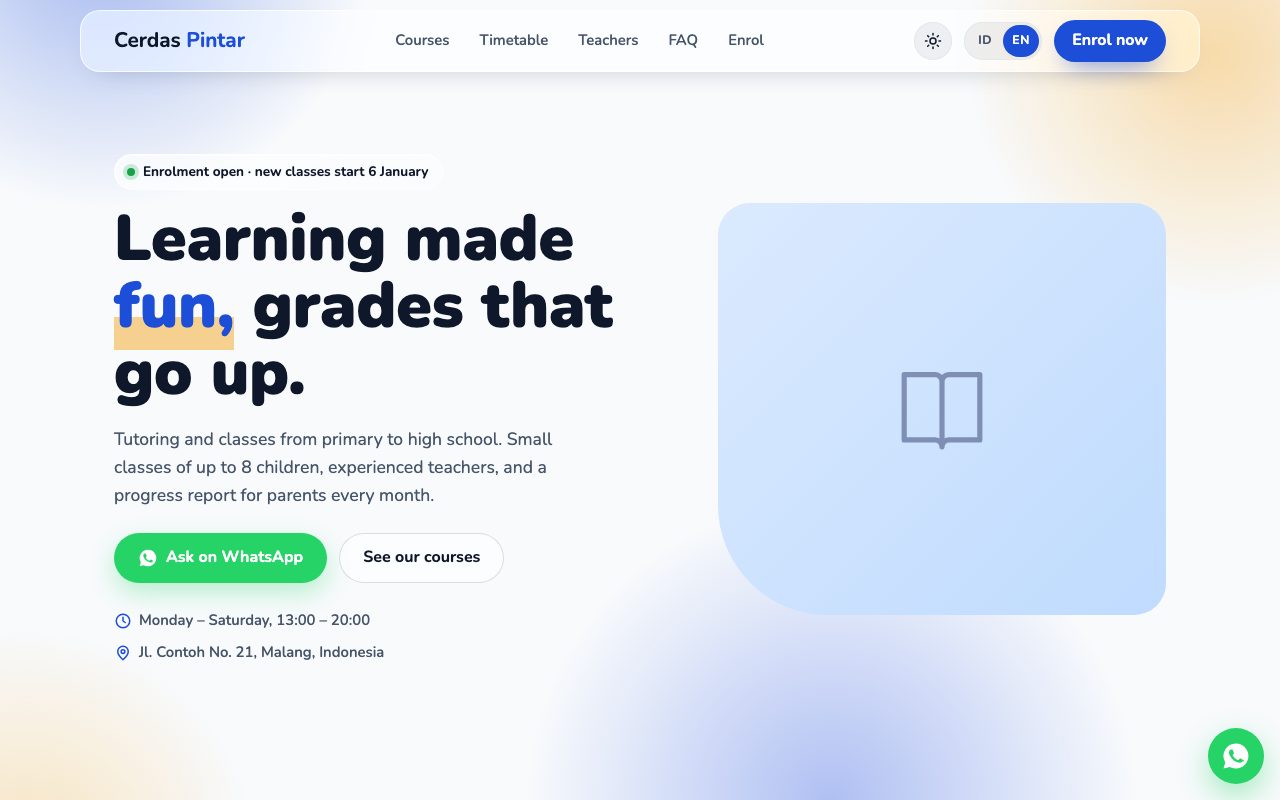 Tutoring & Courses
Courses, tutoring & training
Tutoring & Courses
Courses, tutoring & training
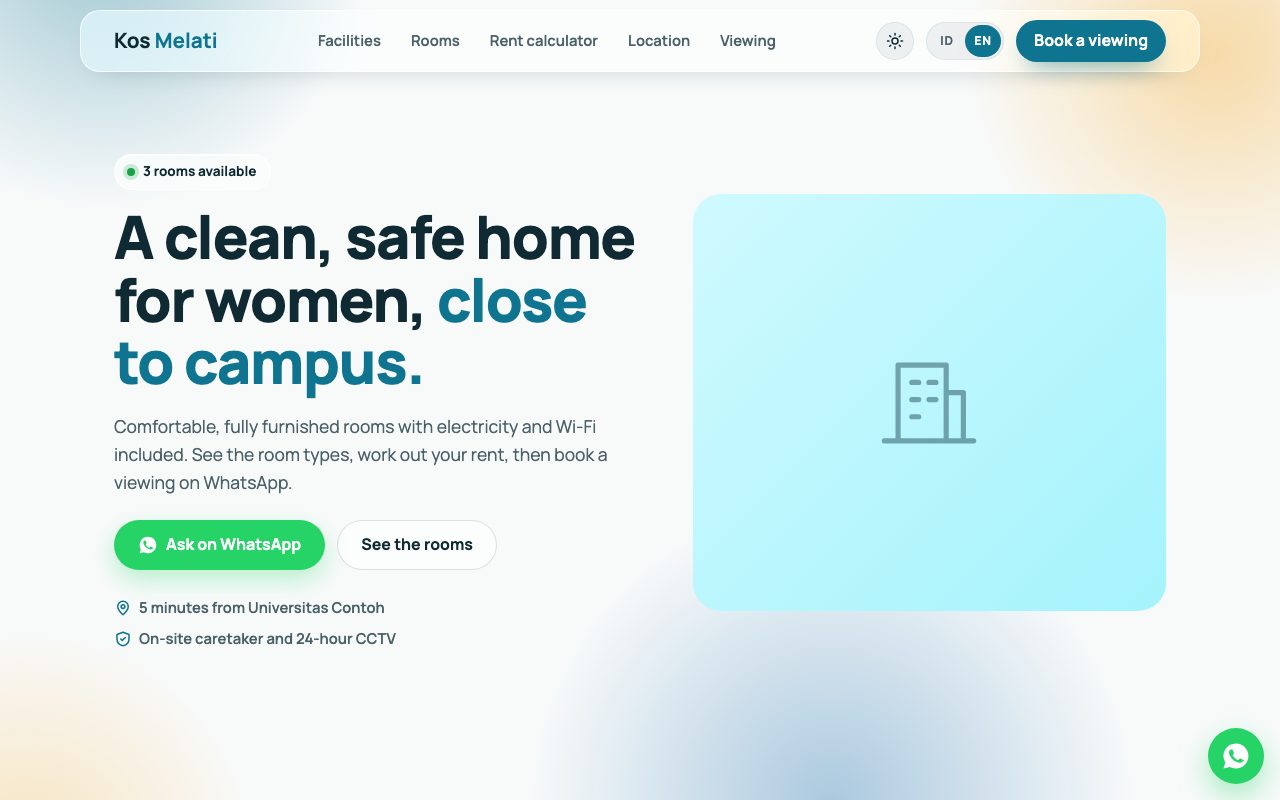 Rental & Homestay
Boarding houses, homestays & rentals
Rental & Homestay
Boarding houses, homestays & rentals
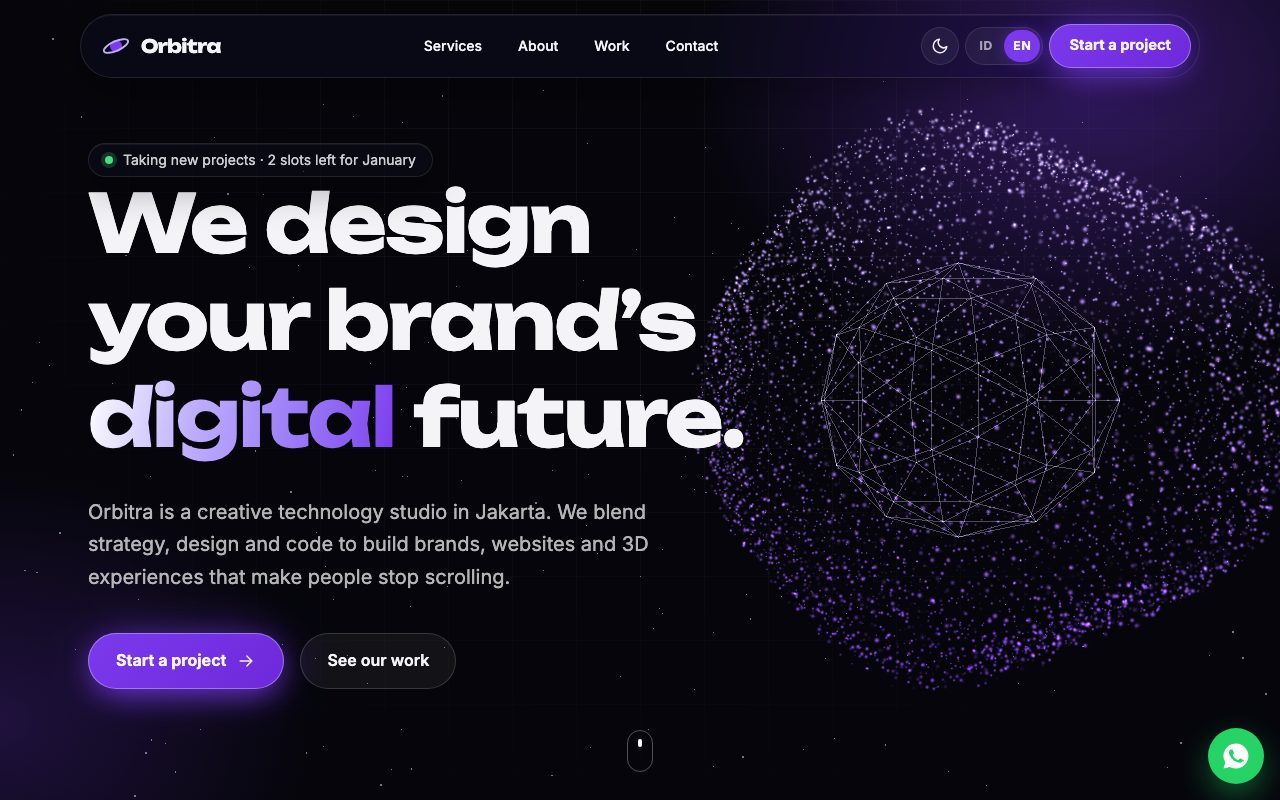 Digital Agency
Creative agency & 3D digital studio
Digital Agency
Creative agency & 3D digital studio